The open-source AI website builder
Build PHP sites
clients can edit.
Build with your coding agent or Studio’s AI tools. Review and publish a PHP website, then give your client a browser editor. The site and Studio run on hosting you control.
PHP 8.2+ & SQLite External agent, built-in AI or manual editing
A generated example. Your brief sets the direction.
For developers & agencies
building PHP client websites
Your agent can build it.
Your client can edit it.
Connect your coding agent through Model Context Protocol (MCP). Create the website, make changes, and manage what goes live from the same conversation.
Your client can edit the same site in VoxelSite. Keep the files and the editor on your own PHP hosting.
- Inspect or save a view
- Change the private draft
- Change the public website
You: Build a website for my bicycle repair shop. Three pages: home, our workshop, and contact. Let me review it before it goes live.
voxelsite_changes_applyDraftvoxelsite_preview_createPreview
Assistant: The three-page draft is ready. I added shared navigation, repair services and a contact form. Open the preview to check the content and layout. Nothing is published yet.
- index.php
- our-workshop.php
- contact.php
Ready for your review
You: I’ve checked the preview. Publish this version and save a snapshot.
voxelsite_publish_applyLivevoxelsite_snapshots_createSaved
Assistant: The reviewed site is published. I saved a snapshot of this version so we can return to it later.
You: We’re opening on Saturdays. Add a repairs page and link it in the navigation. Keep this in the draft for now.
voxelsite_changes_applyDraft
Assistant: Saturday repairs is in the draft, with a new page and navigation link. The original website is still live.
Draft changed · Live site unchanged
You: That looks good. Publish the Saturday repairs update.
voxelsite_publish_applyLive
Assistant: The reviewed update is live. The Saturday repairs page and navigation link are now on the public website.
You: We need to postpone. Restore the original public site, but keep the Saturday work in our draft.
voxelsite_restore_applyRestored
Assistant: The original site is live again. Your Saturday repairs page and navigation changes are still in the private draft, ready for another day.
Original site restored · Newer draft kept
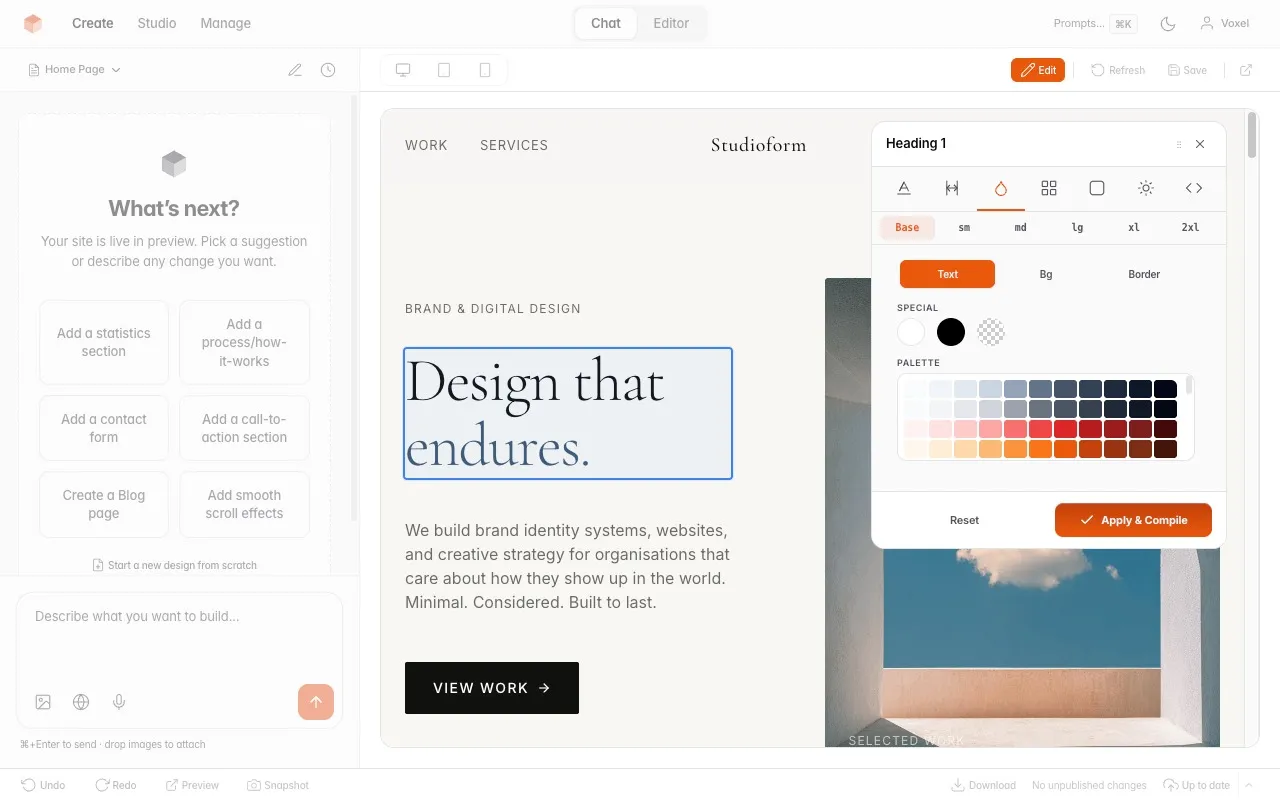
The agent and Studio use the same private draft. Preview the result, make a manual adjustment, or keep building in the conversation.
Explore the browser editorThe website comes
with its editor.
Studio is the browser editor included with VoxelSite. Give your client a login to update page text or photos, check the preview and publish.
Update page text and photos.
Use the visual editor to change text, replace an image or adjust spacing, then preview and publish. These manual edits make no AI request.
See how visual editing worksThe source is part of the handover.
Edit the PHP, CSS and JavaScript in Studio’s code editor. An exported copy is separate: changes to it do not sync back to Studio.
Explore the code editorGive each client their own login.
Add an Editor or Viewer account for each client. The Owner manages team access.
Read the role permissionsPHP website
examples.
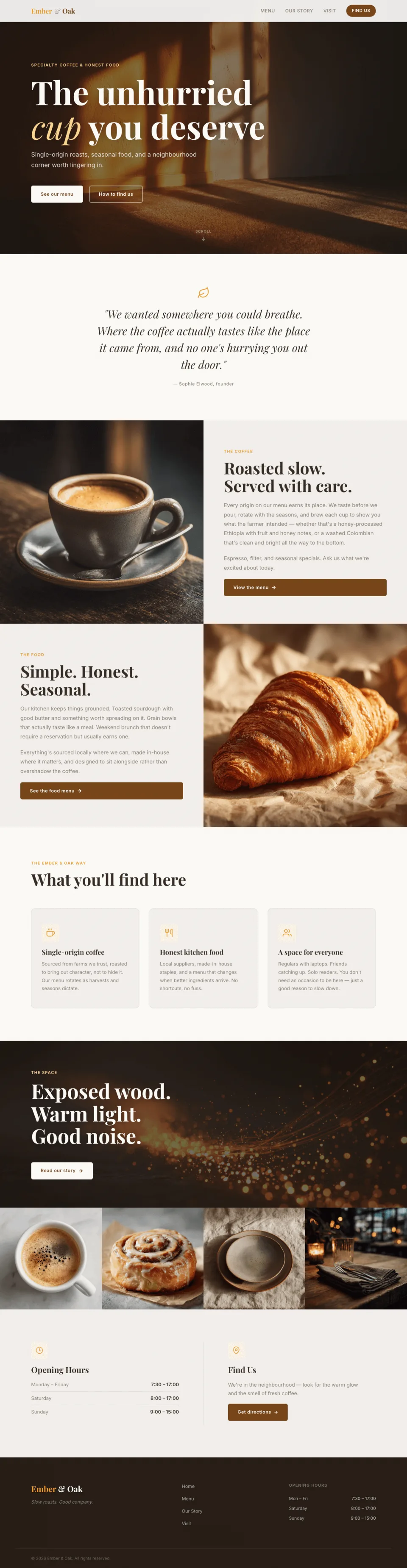
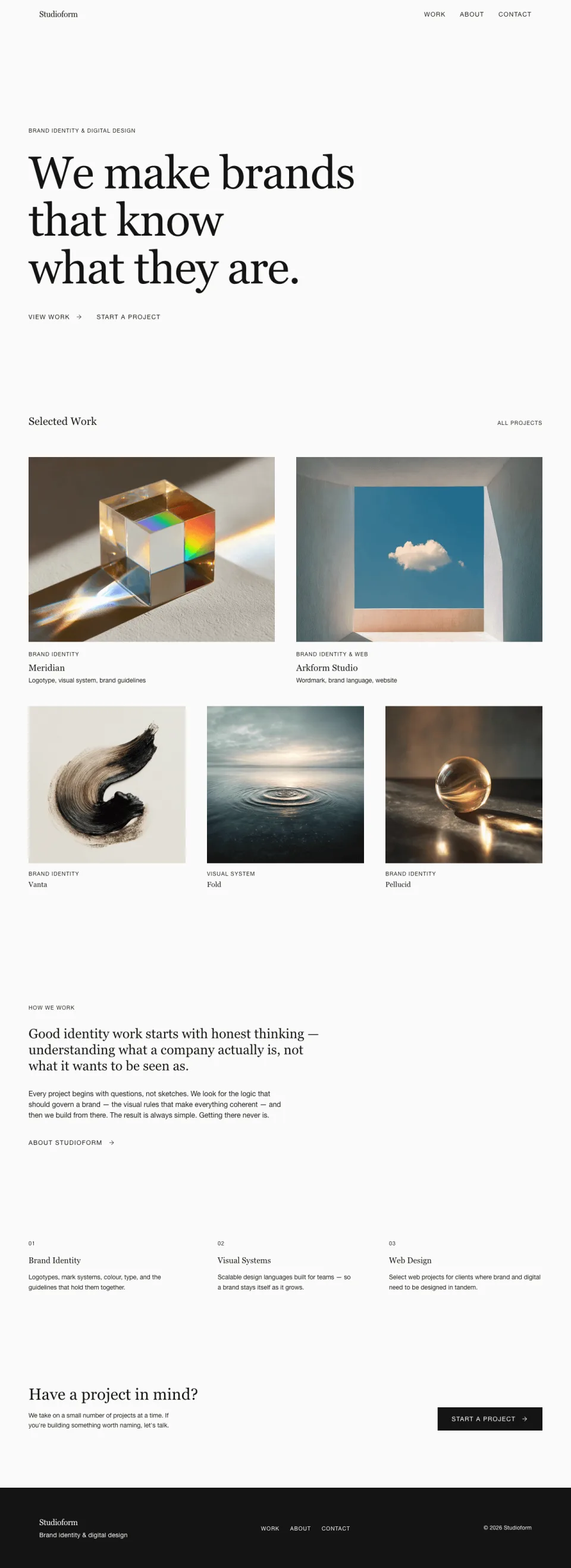
See examples of websites built with VoxelSite. Open each site’s screenshot gallery to inspect its pages.
Browse the examples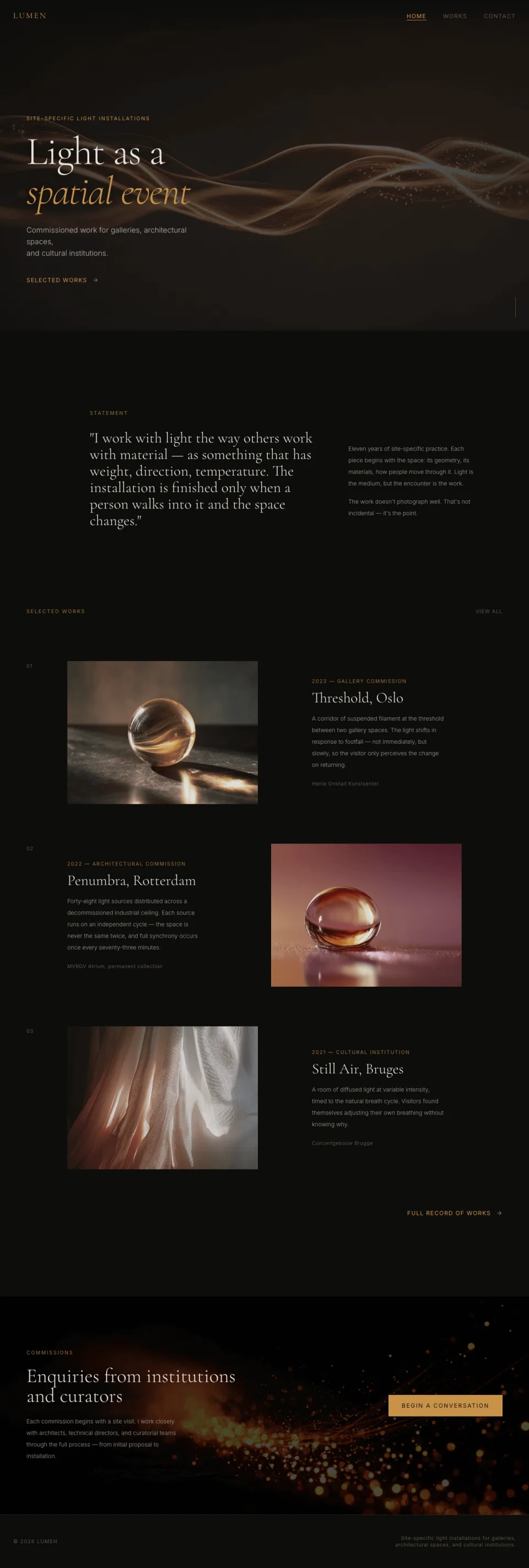
What comes with
a VoxelSite export?
The published pages are ordinary PHP, HTML, CSS and JavaScript. Host them yourself, change the source, or pass the files to another developer.
Keep Studio installed for browser editing, the submission inbox and Actions. Website exports exclude the editor. PHP exports include basic form handling without uploads, rate limiting or configured SMTP. On static-only hosting, forms need a separate submission service.
See export contents and form limitsHosting, AI costs
and maintenance.
VoxelSite fits brochure sites, portfolios and small business websites. You handle the hosting, updates and backups.
For a shop, membership system, full blog CMS or content-approval workflow, choose software built for that job.
Plan your client workflowVoxelSite Studio uses AGPL-3.0. Review its terms before modifying or distributing Studio.
PHP 8.2+, SQLite and the required extensions. The packaged release needs no Node.js installation or build step on your server.
External-agent work uses your coding client’s account and limits. Built-in Studio AI uses a provider API key with separate API billing. Manual text, image, style and code edits make no AI request.
AI usage and costsReport bugs and ask product questions in the public issue tracker. No guaranteed response time.
Can I use VoxelSite
with my current setup?
Why use VoxelSite if I already build with a coding agent?
Can I run it on shared hosting?
Install VoxelSite
on your PHP host.
Connect your coding agent, configure built-in AI, or edit manually. Create a sample site and test a client update before your first handover.
git clone https://github.com/NowSquare/VoxelSite.gitPoint your web root at the project. Open /_studio/ to run the installer.